Getting started
Exactick runs entirely on your machine and never downloads market data itself. You bring the files; the app reads them from your browser's local storage. This page is ten minutes with the built-in sample. When you are ready for real data, the tick data guide shows how to get it in.
Exactick is open. Open it in your browser — free, no account, every feature working on any three months of data. Start with the sample below.
Your first ten minutes, with the built-in sample
Be clear about what the sample is: synthetic data — three days of generated ticks, not a recording of the market. It exists so you can learn the controls and see how fills are decided without waiting on a download. Every claim Exactick makes about your strategy is meant to be tested on real data, which is what the tick data guide is about.
Load the sample
-
Open Exactick, go to Data, and click
Try the sample.
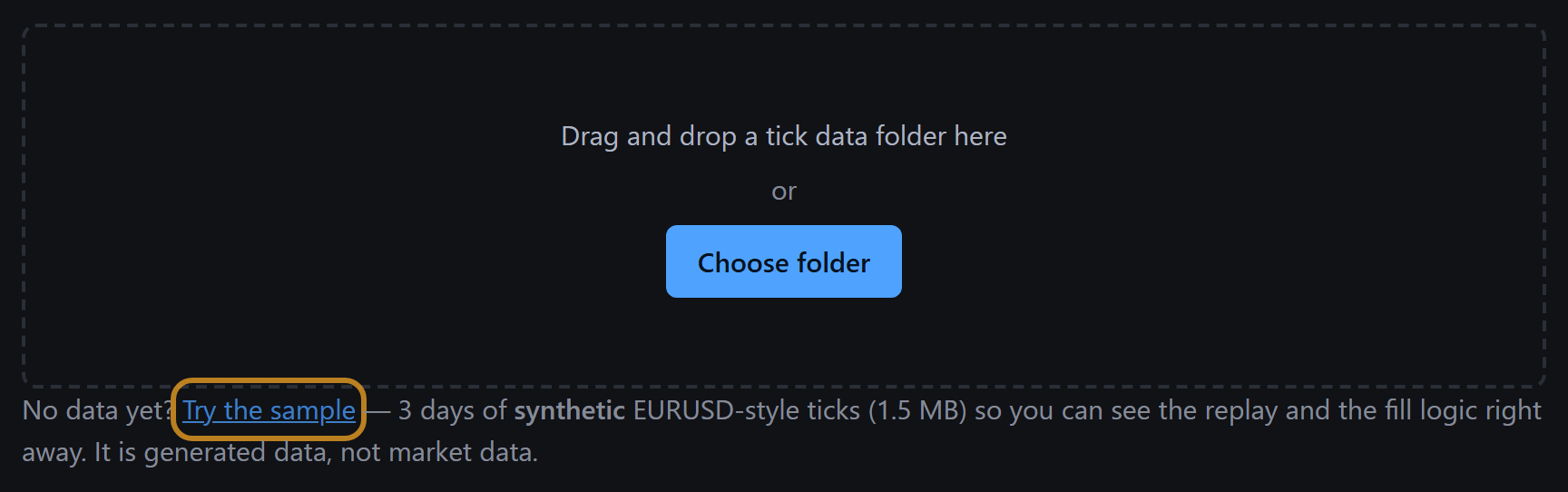
Orange outlines in these pictures mark what to click. -
A summary headed Ready to import shows the pair
(
EURUSD-SAMPLE), the period and the number of files. Click Convert.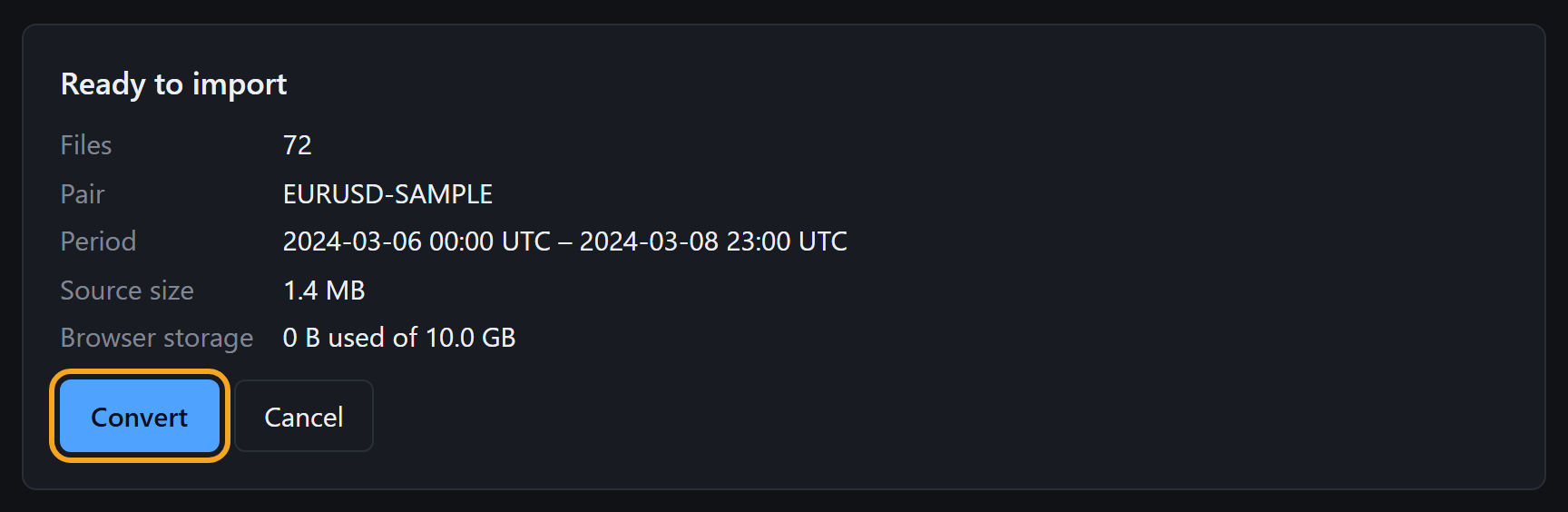
-
When it says Import complete, the sample is listed under
Datasets. Click Replay.
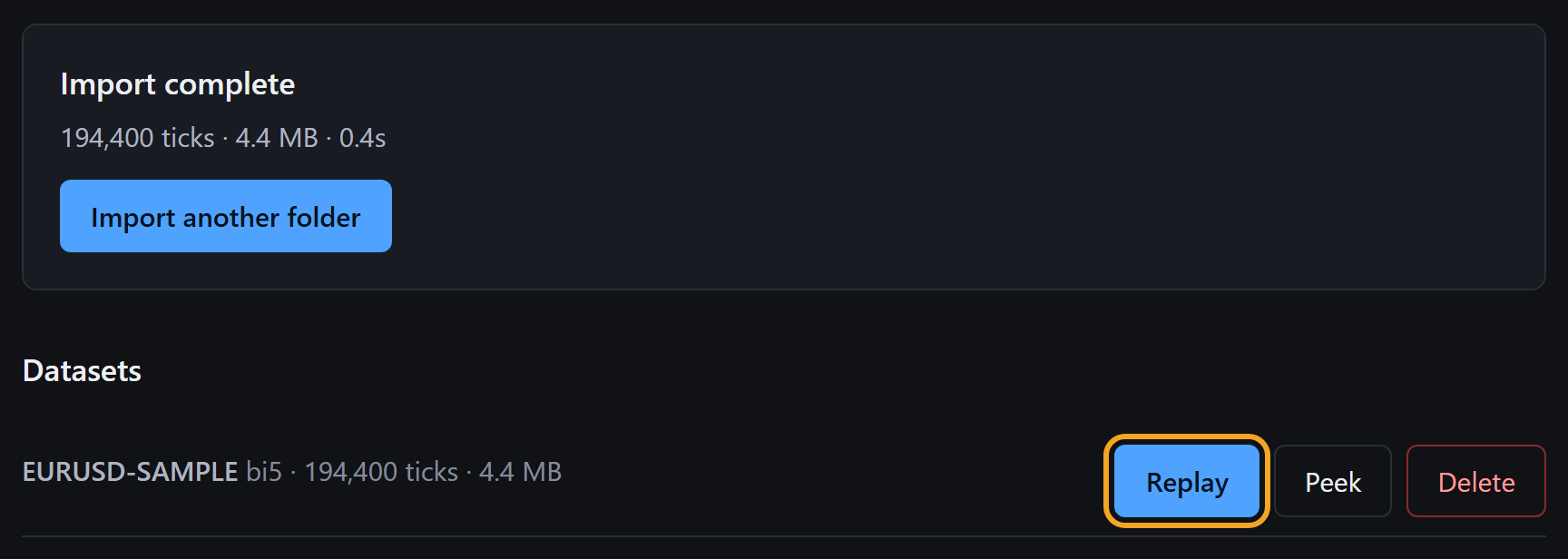
Replay
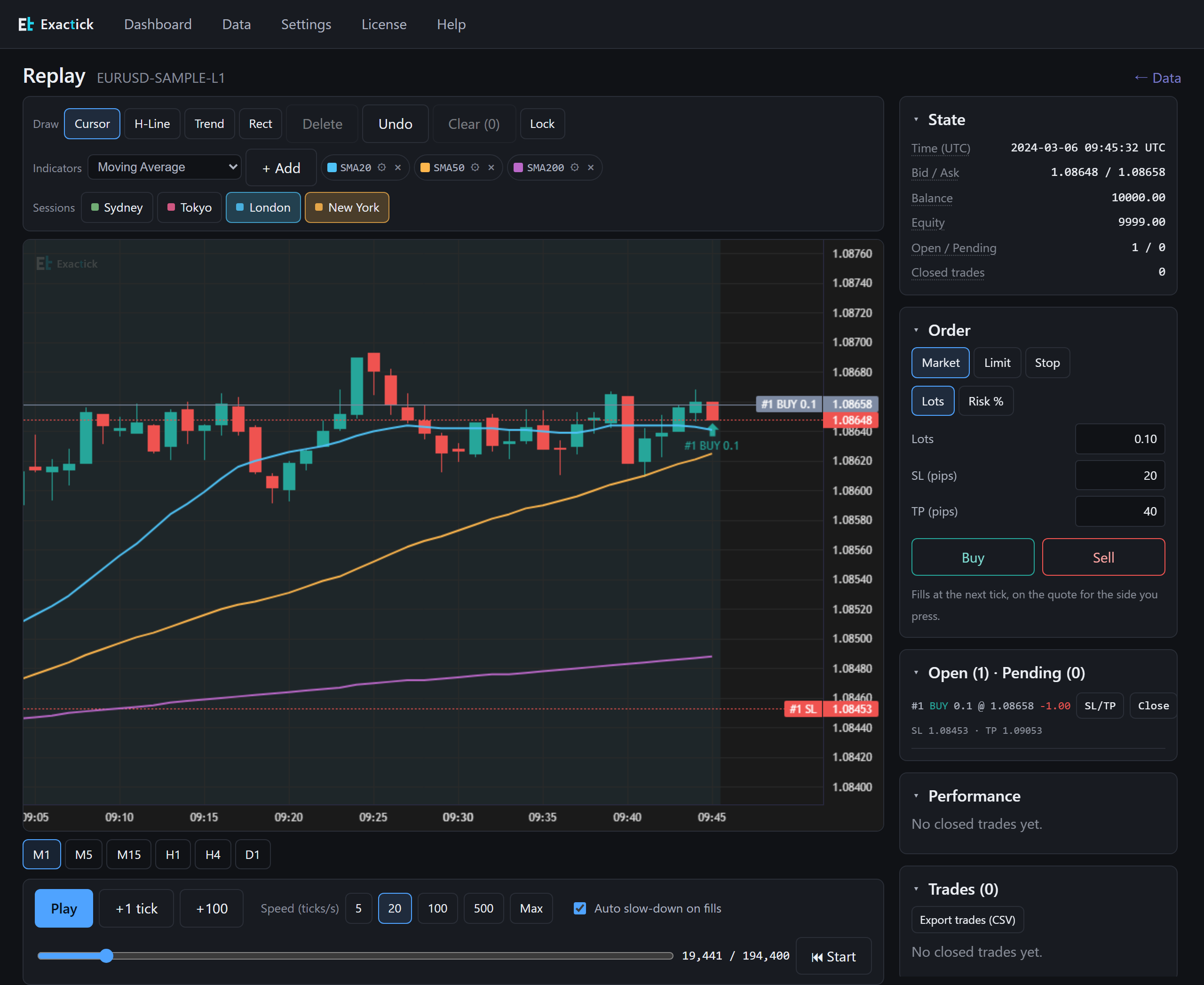
The replay starts paused at the first tick. Press Play. The Speed (ticks/s) buttons set how many ticks go by each second, from 5 up to Max. +1 tick and +100 step forward, the slider jumps to any point, and ⏮ Start goes back to the beginning. The timeframe buttons under the chart (M1 to D1) only change the candles; your place in the replay, your open trades and your balance stay as they are.

However you move through the data — tick by tick, fast-forwarding or jumping — the same orders give the same fills.
Place an order
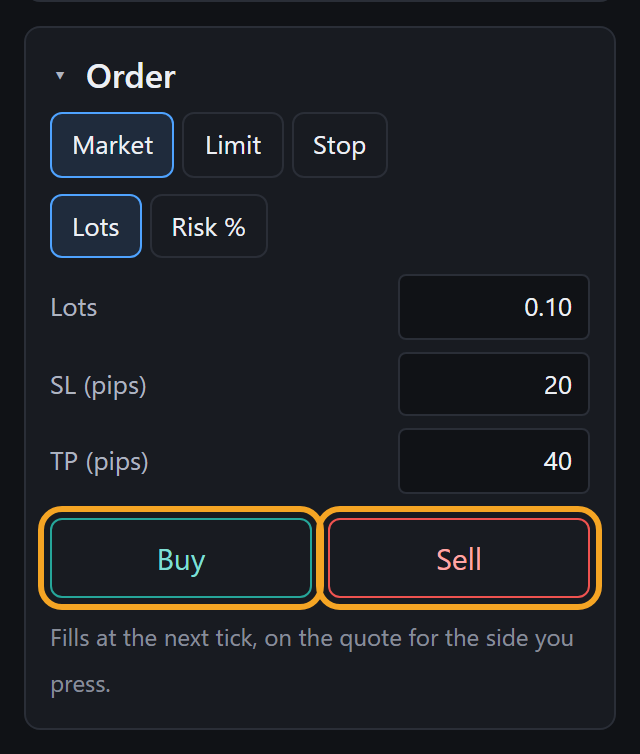
The Order panel on the right starts with a market order of 0.10 lots, a 20-pip stop loss and a 40-pip take profit. Change them if you like, then press Buy or Sell. Size can be set in Lots or Risk %. For Limit and Stop orders, Distance (pips) sets how far from the current price the order waits, and the line under the buttons shows the price it will rest at for a buy and for a sell before you press anything.
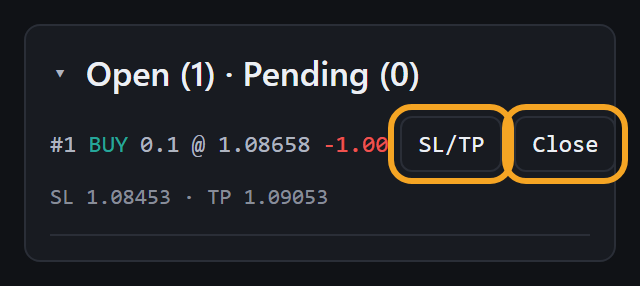
Your trade appears in the panel below. Use SL/TP to move its levels (entered as prices, not pips) or Close to exit by hand. With Auto slow-down on fills ticked, the replay drops to 5 ticks per second when a stop, a target or a pending order fires, so you see the moment it happens. It does not act at Max, which runs straight through.
Read the results
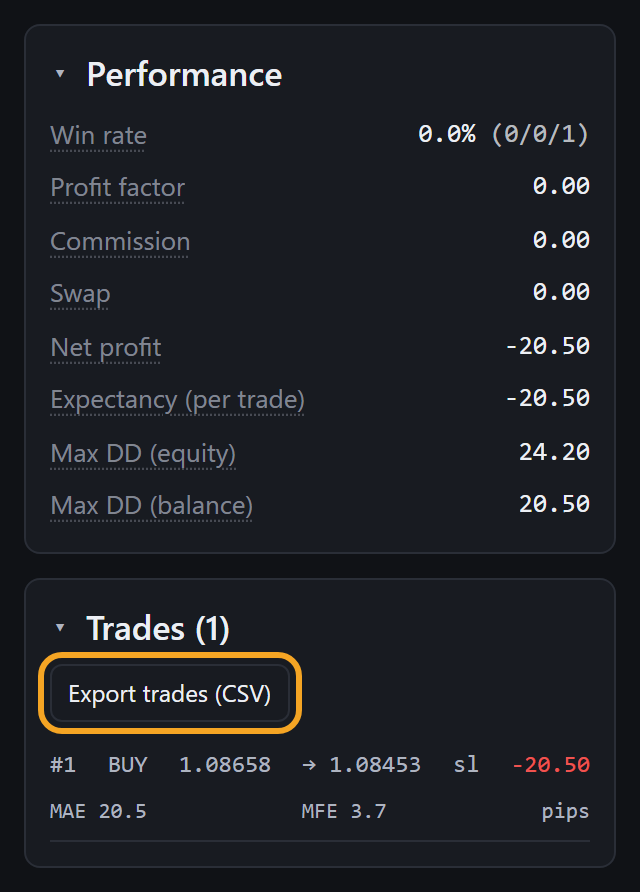
Performance shows win rate, profit factor, commission, swap, net
profit, expectancy per trade and maximum drawdown. Trades lists
each closed trade with its exit reason — sl, tp or
manual — and, on a second line, MAE and MFE in pips: how far the trade
went against you and in your favour while it was open. Because fills are decided tick by
tick, sl or tp is whichever the ticks actually reached first, not a
guess from the candle. Export trades (CSV) writes every trade, not
only the ones on screen.
Save and come back
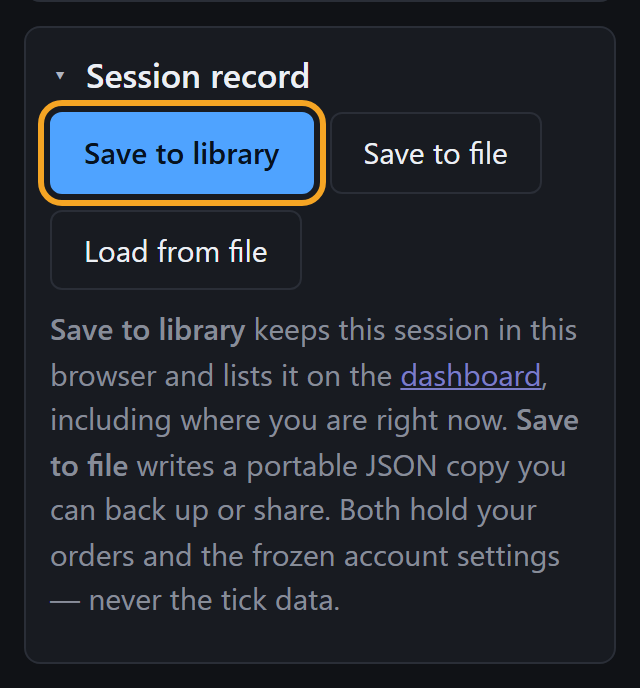
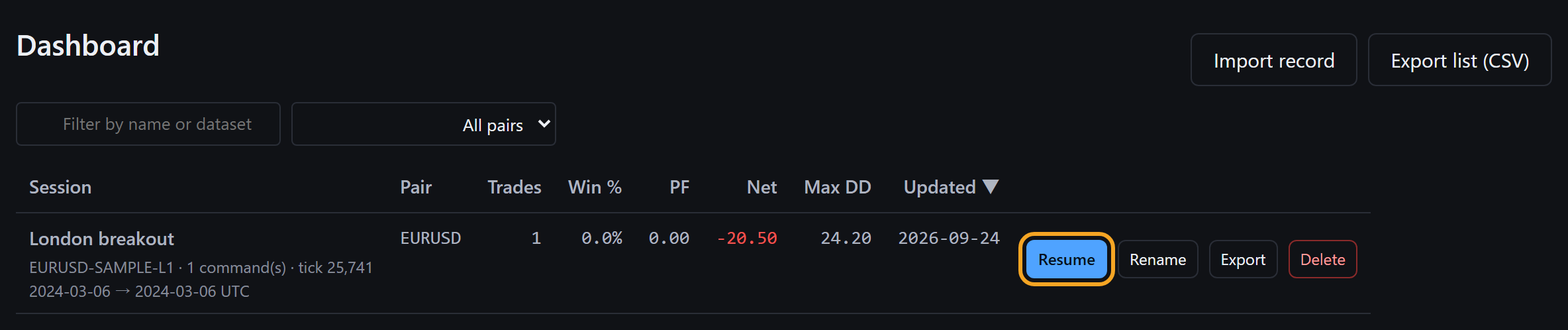
At the bottom of the right-hand column, Session record has Save to library. It asks for a name — your strategy tag — and keeps the session in this browser, including where you stopped. It then appears on the Dashboard, where you can sort sessions by their results and press Resume to carry on from that point. Save to file writes a portable JSON copy instead. Neither holds the tick data, only your orders and account settings, so the dataset has to be on this machine to replay a saved session.
Before a real test: set your costs
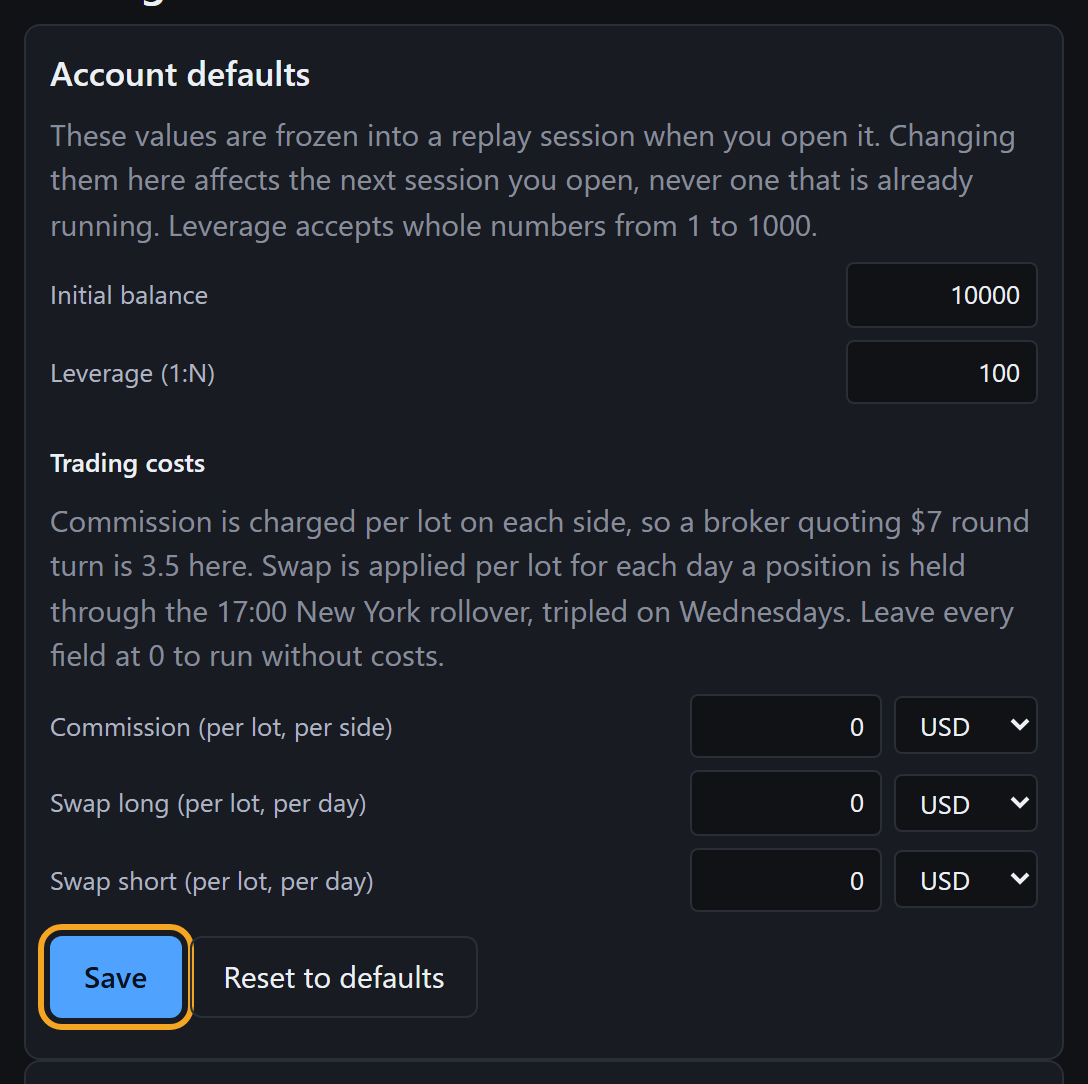
New sessions start with a balance of 10,000, 1:100 leverage, and no commission or swap. Real results need your broker's numbers: enter them in Settings under Account defaults and press Save. Each session freezes these values when it opens, so a change applies to the next session you open, not the one already running.
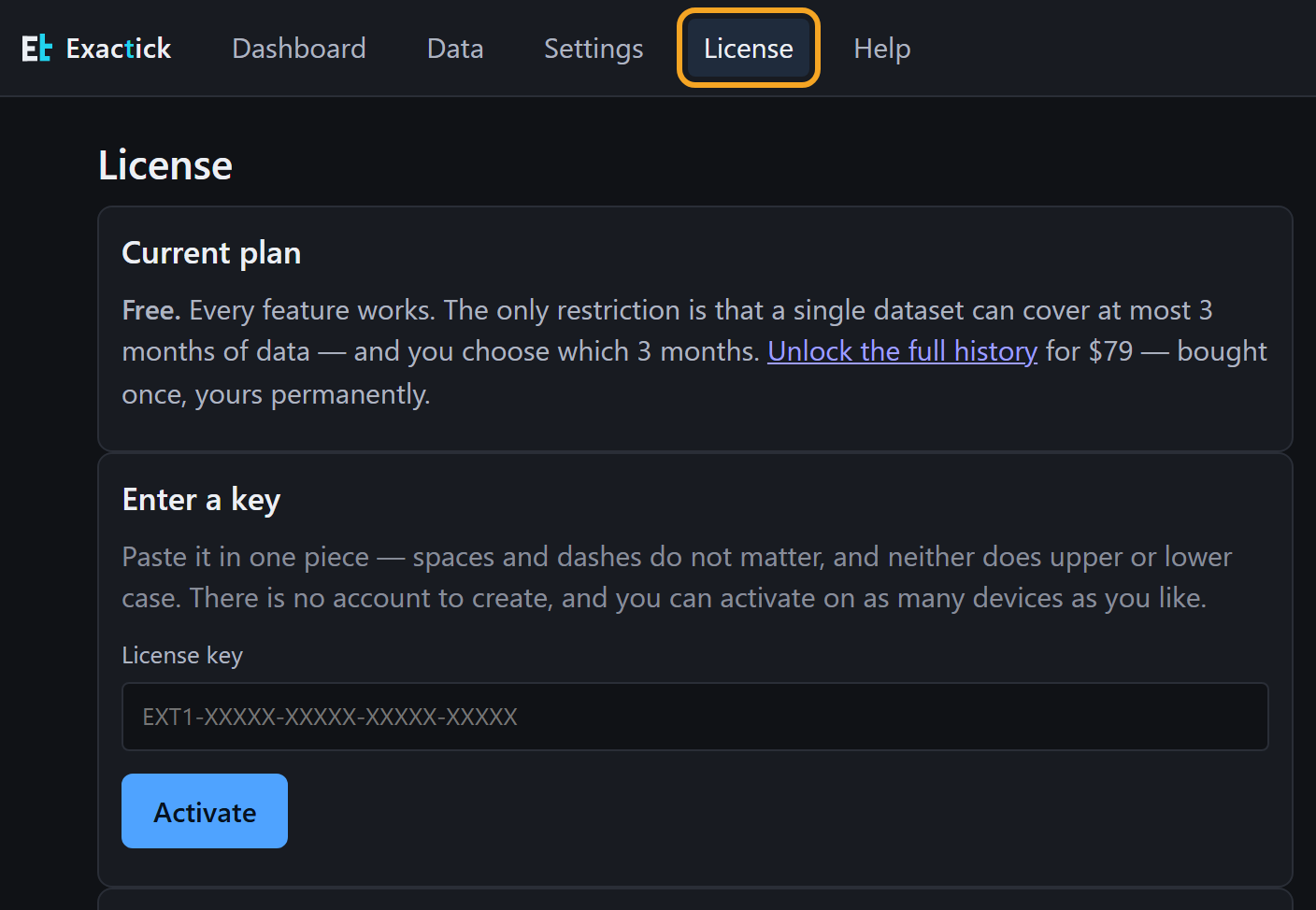
Bought Core? Enter your key on License, at the top of the app.
Next: real tick data
The sample is for learning the controls. For a real test, the tick data guide walks through downloading HistData's CSV or Dukascopy's bi5 files and loading them into Exactick, including the traps we found in each source.